Editing settings
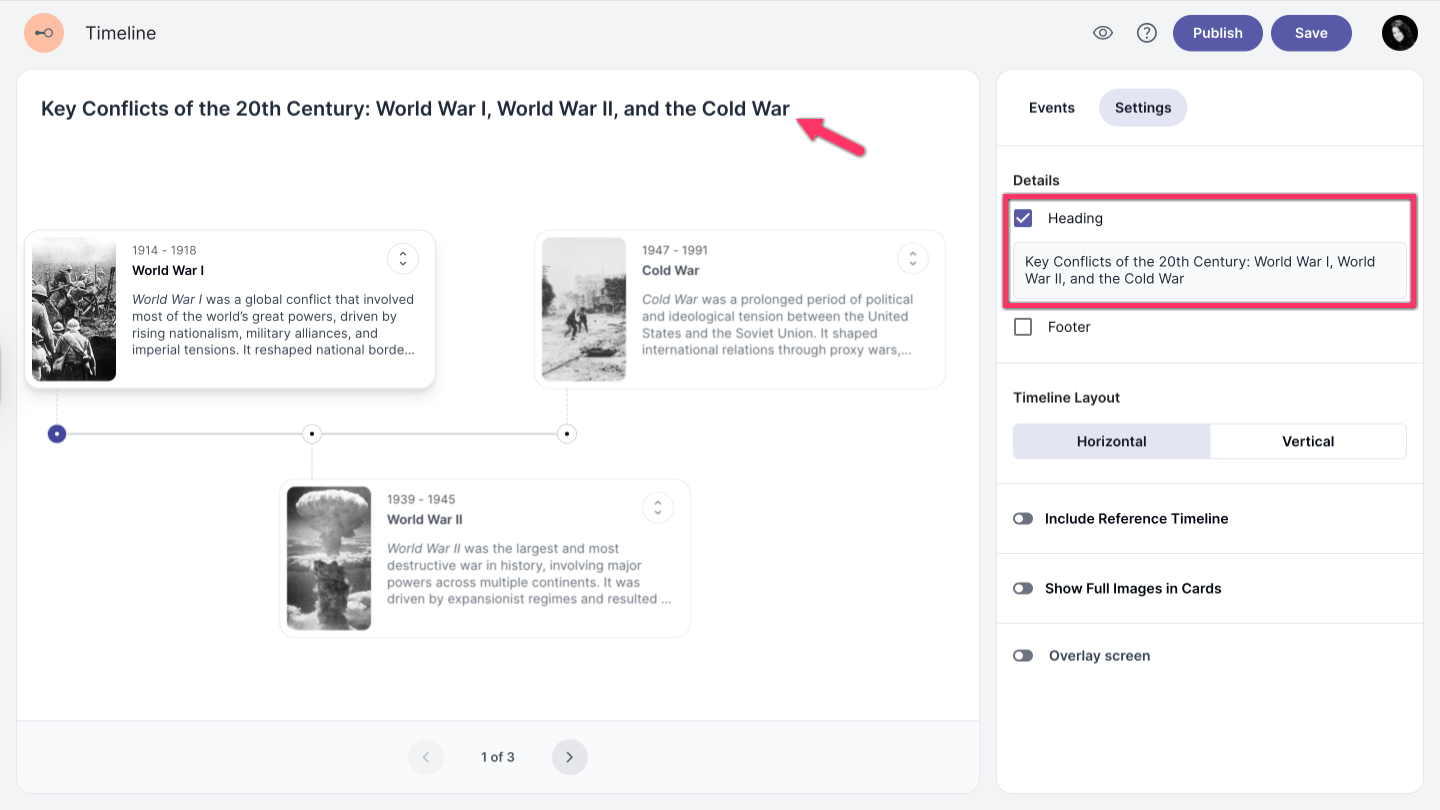
Add heading
-
To add a heading to your timeline, enable the Heading option in the settings panel.
-
Enter your heading text.
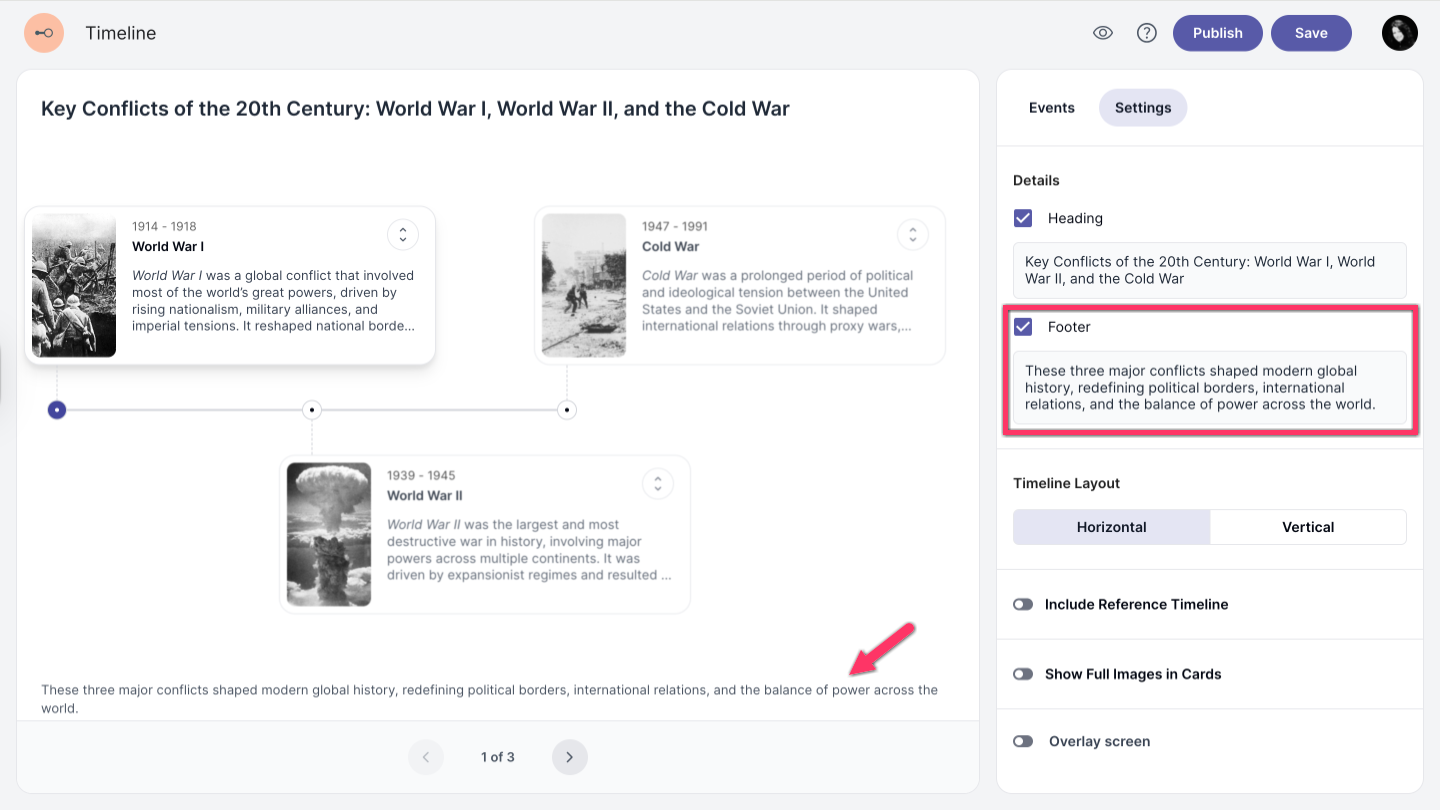
Add footer
-
To add a footer to your timeline, enable the Footer option in the settings panel.
-
Enter your footer text.
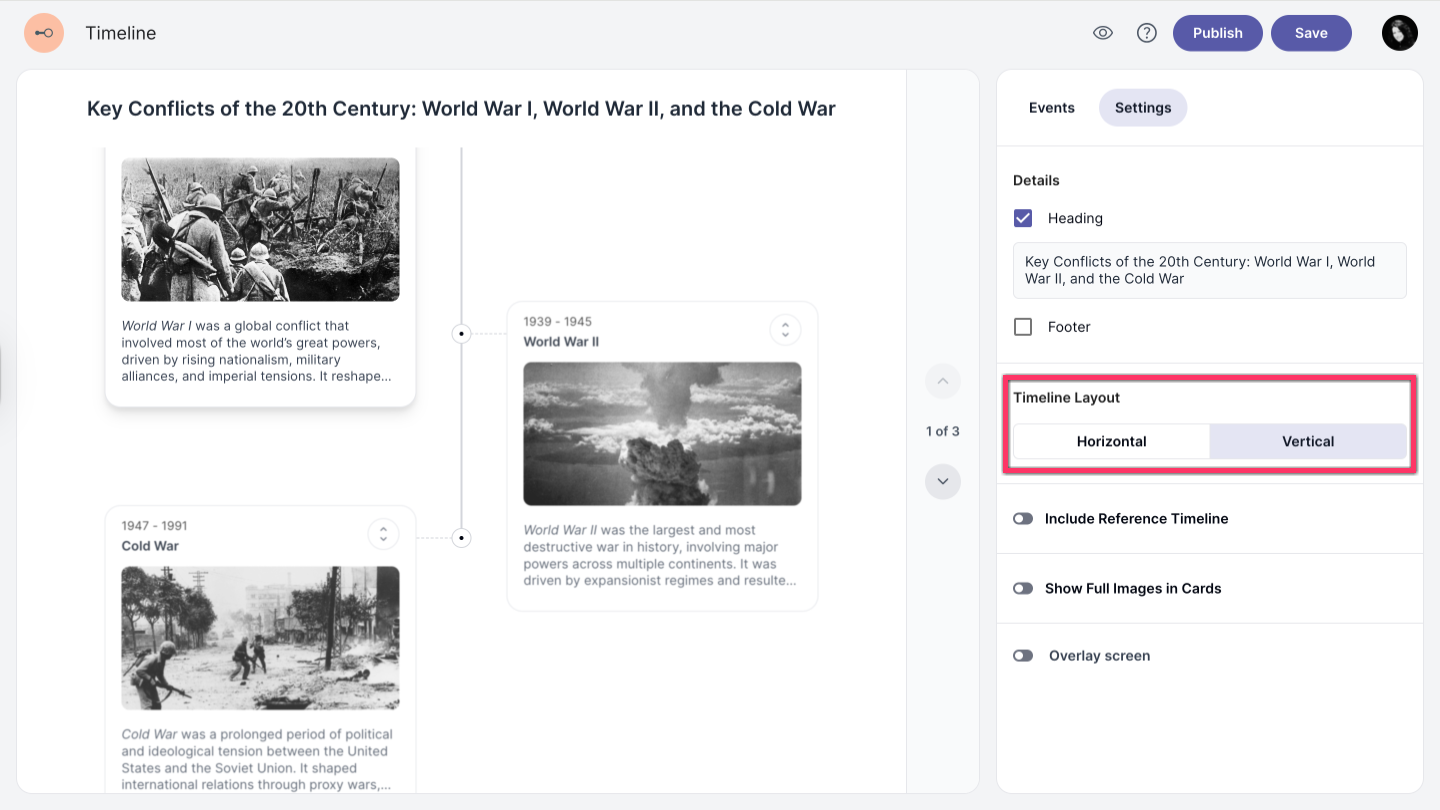
Timeline layout
Select either a horizontal or vertical layout depending on how you want your timeline to be displayed.
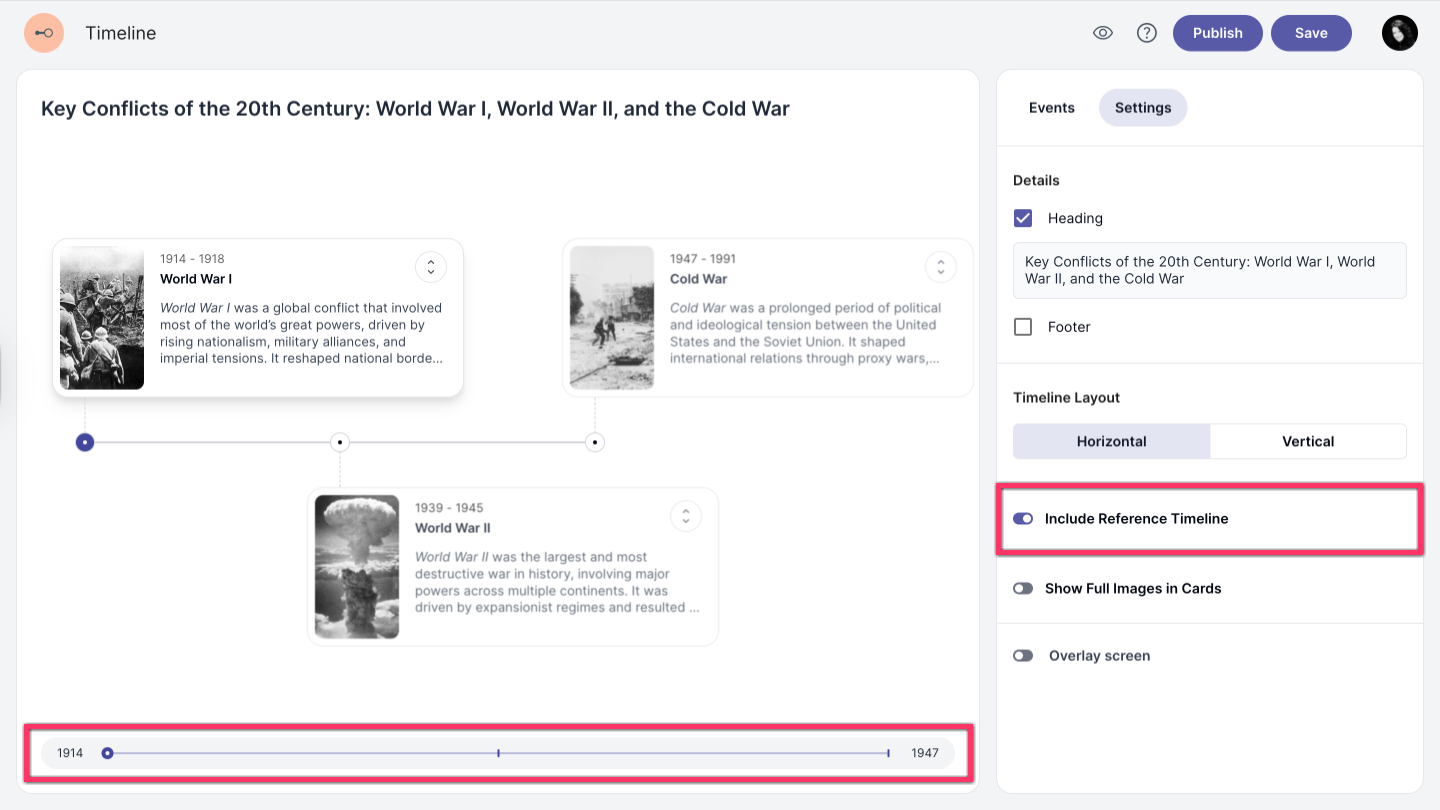
Reference timeline
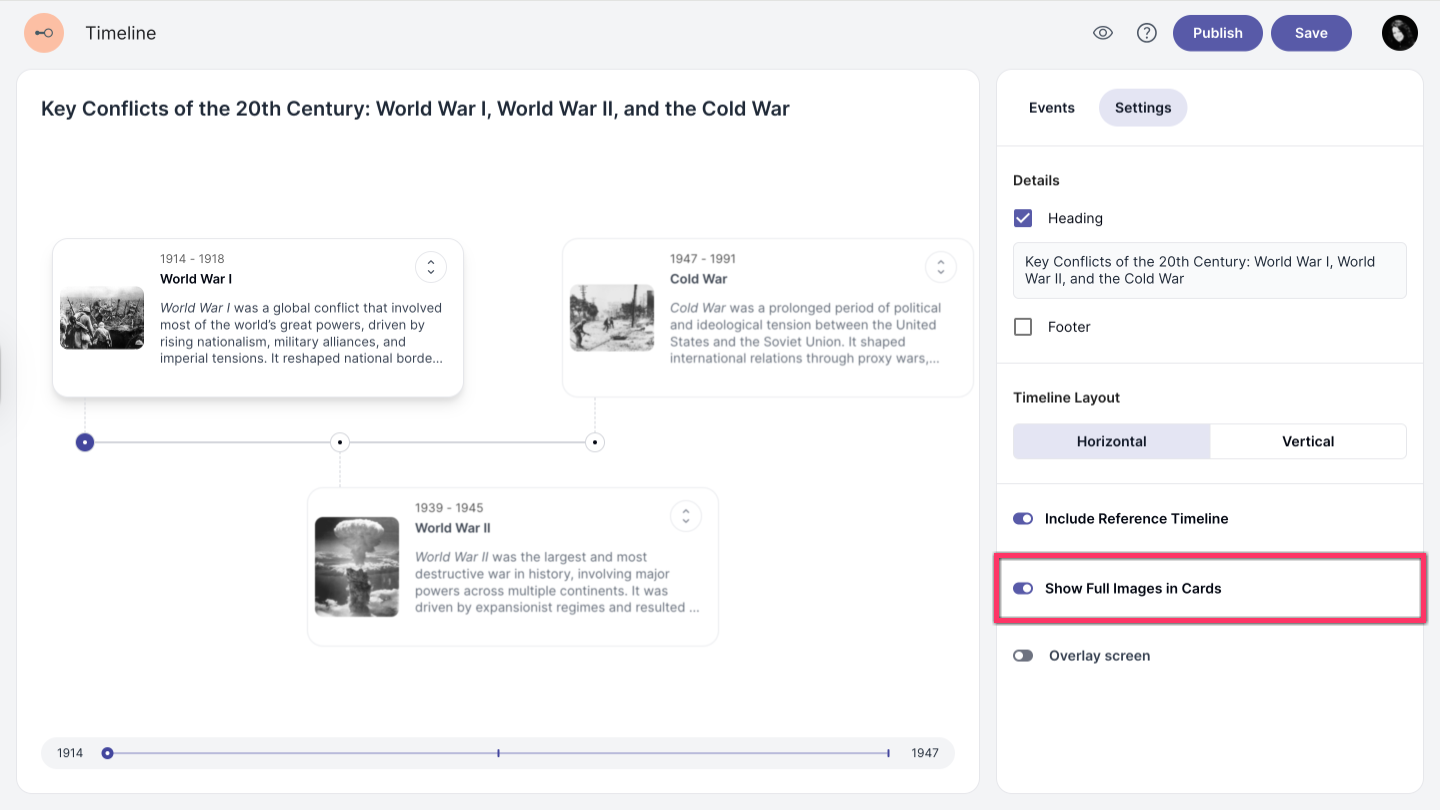
Enable the Include Reference Timeline option to display a slider on your timeline. The slider will appear horizontally or vertically, depending on the layout you selected.
Show full images in cards
Enable the Show Full Images in Cards option to display images at full size. Otherwise, images will automatically adjust to fit the timeline event box.