Editing tabs
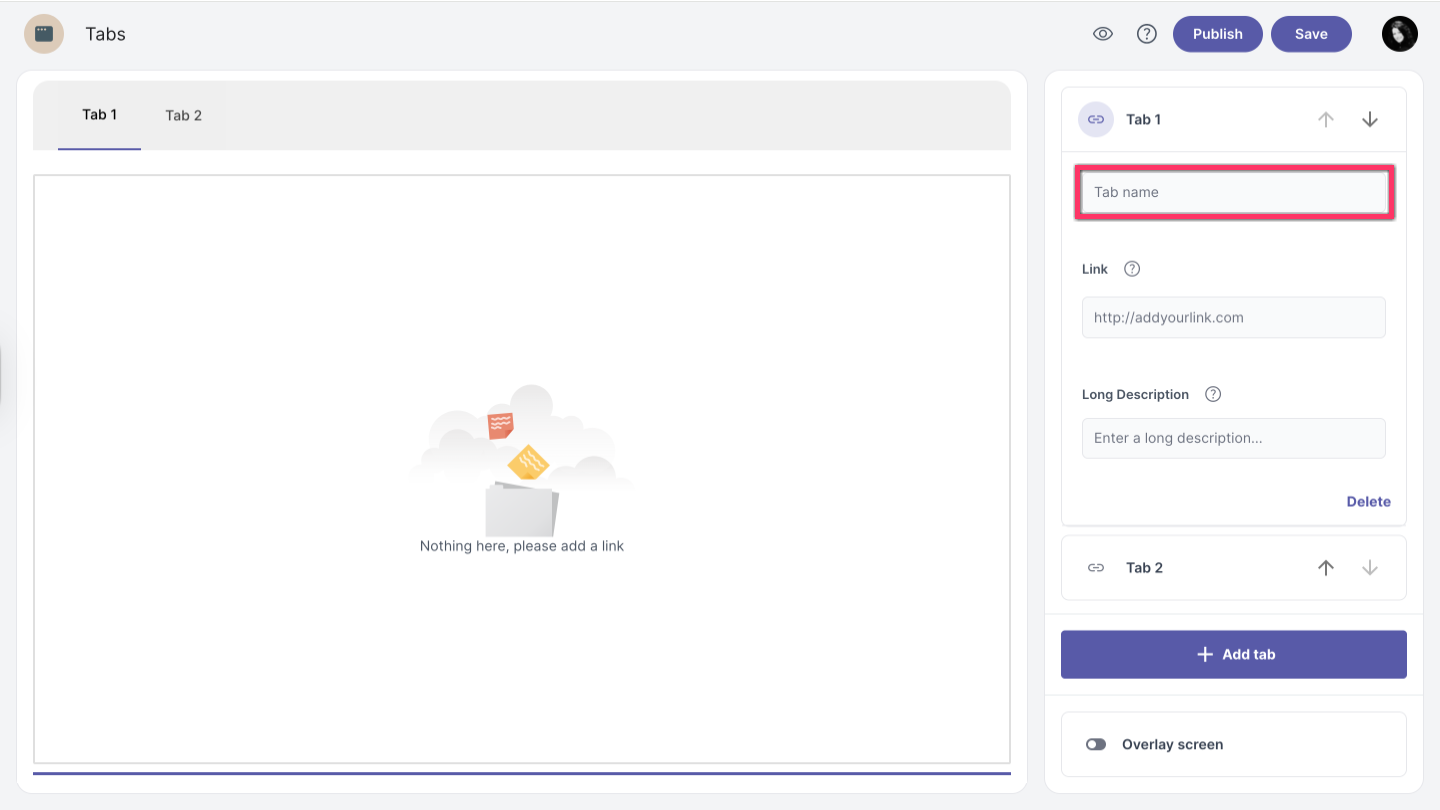
Tab name
By default, tabs are assigned generic names. To customize a tab name, follow these steps:
-
Click on the tab you want to edit.
You can select it from the Navigation bar or by clicking the tab sections on the right side.
-
Enter the new name in the tab name field.
Add link
-
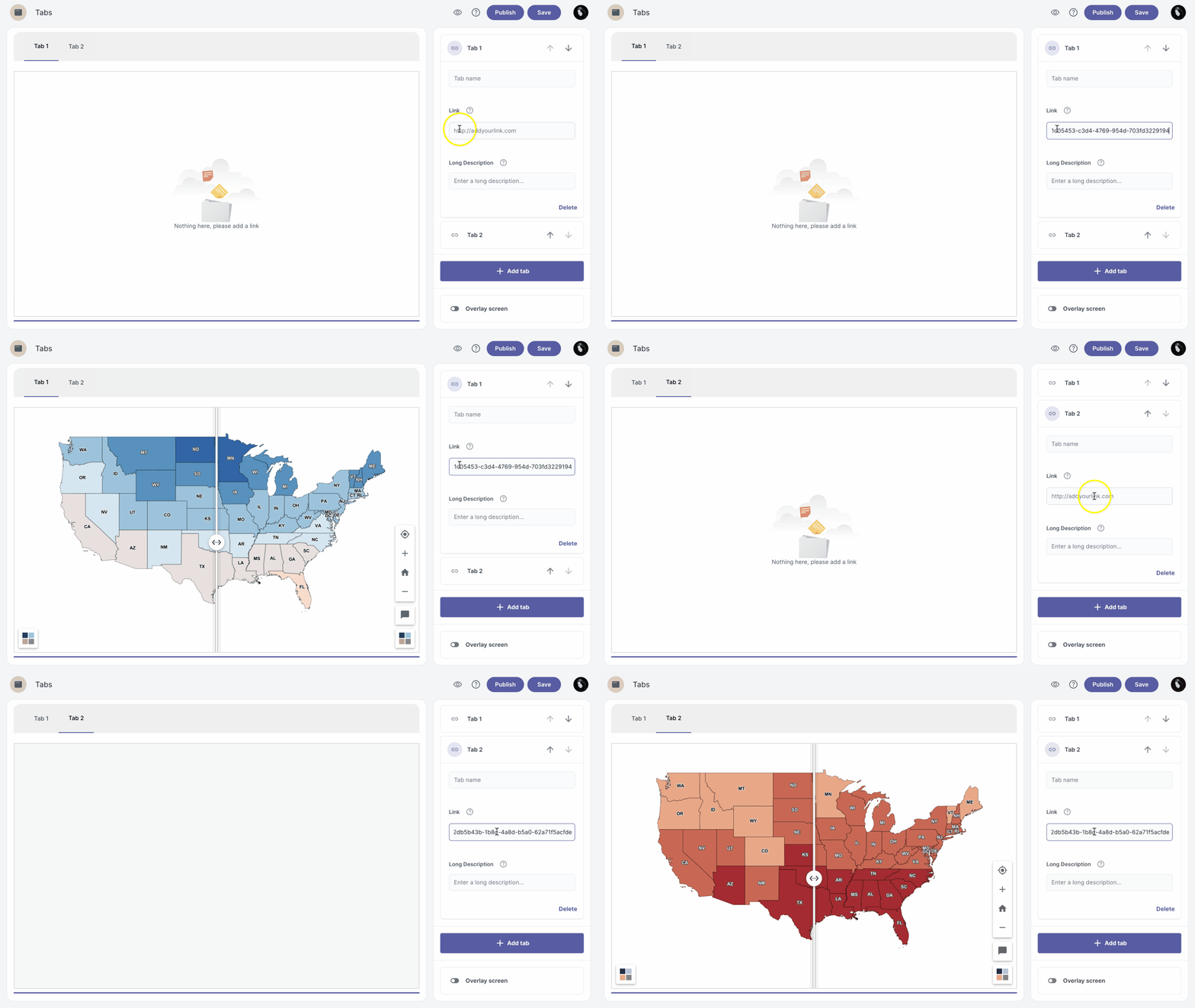
Select the tab where you want to add the link.
-
Enter the link in the link field.
Only embeddable links are supported
Add tab
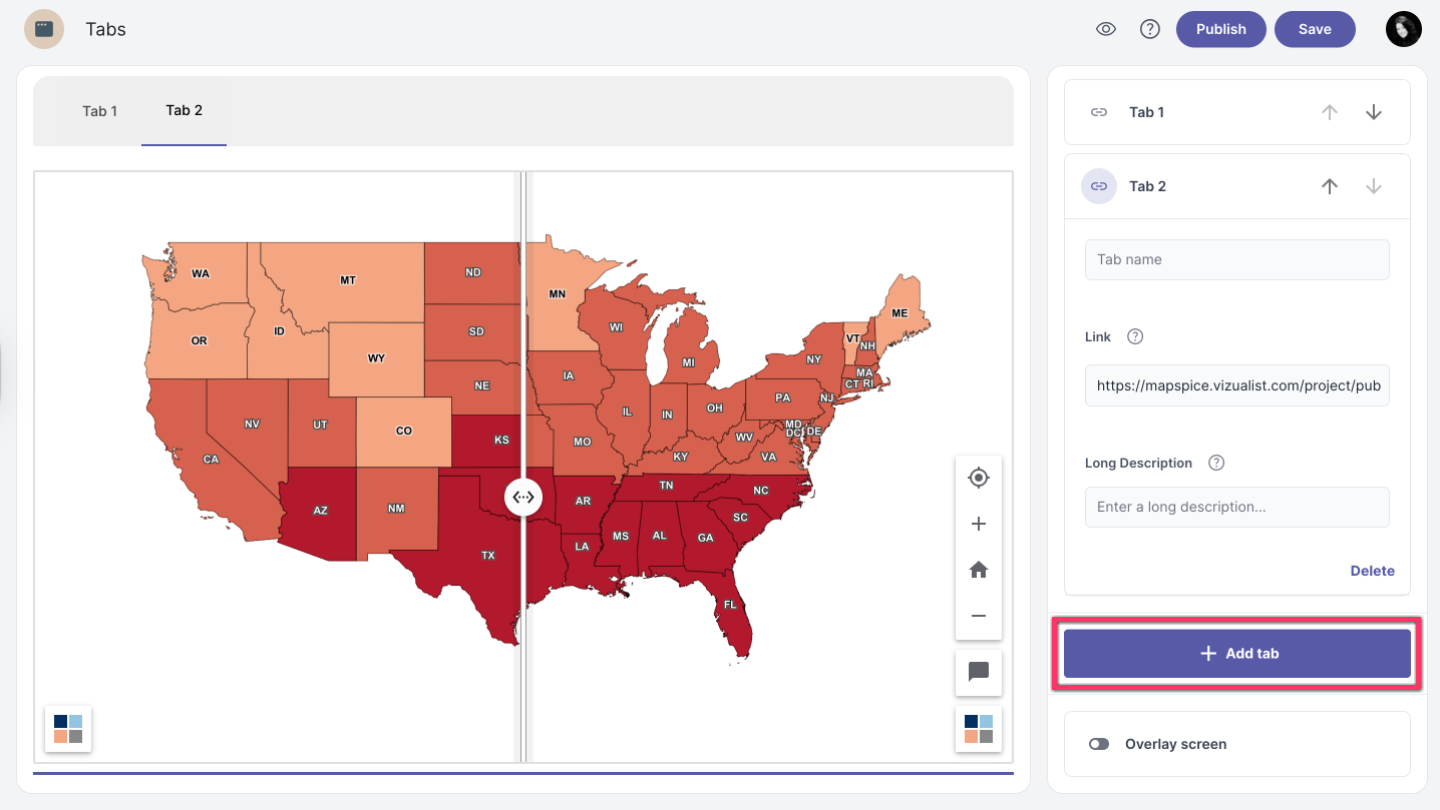
To add a new tab, click the Add tab button at the bottom of the edit panel.
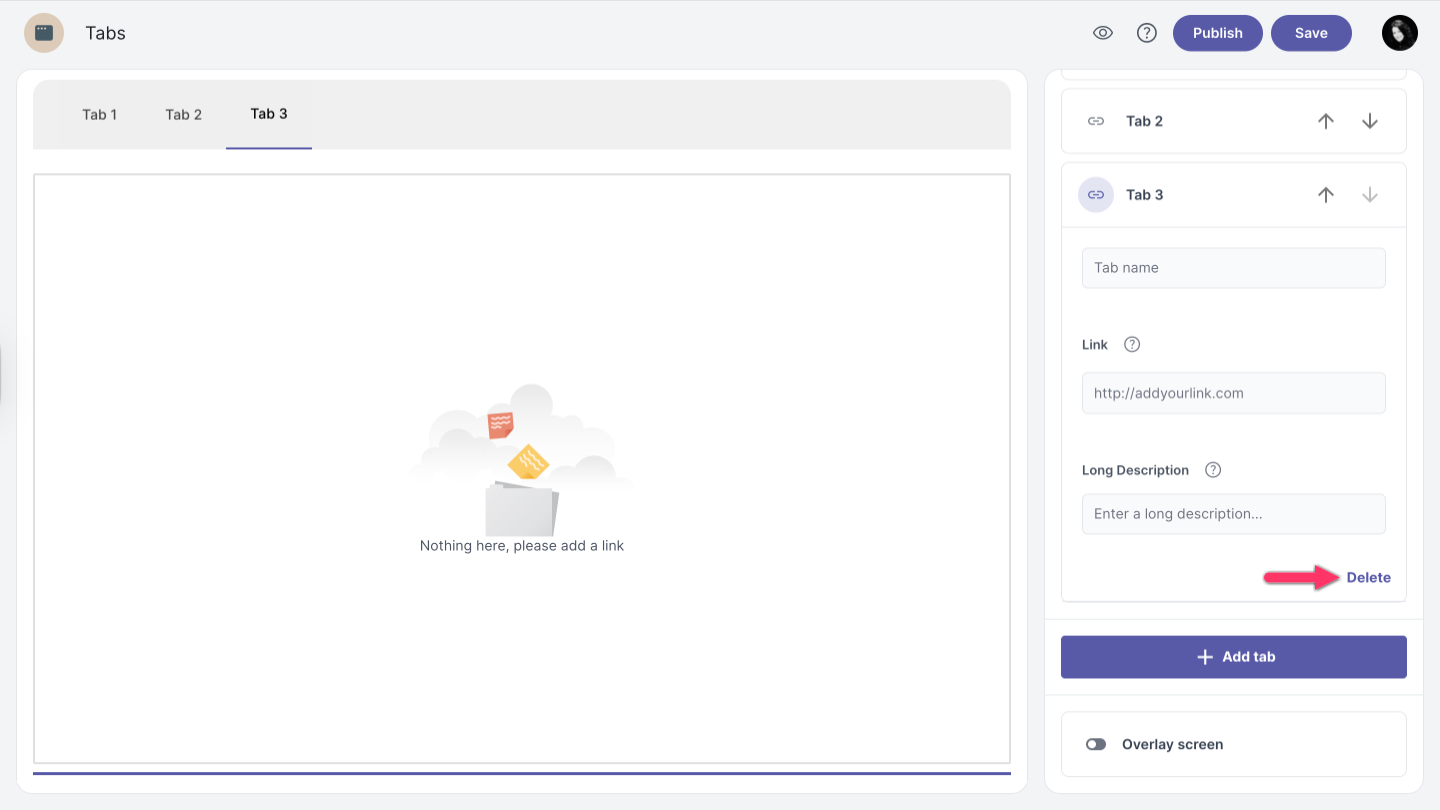
Delete tab
To remove a tab, select the tab you want to delete and click the Delete button in the lower right corner.