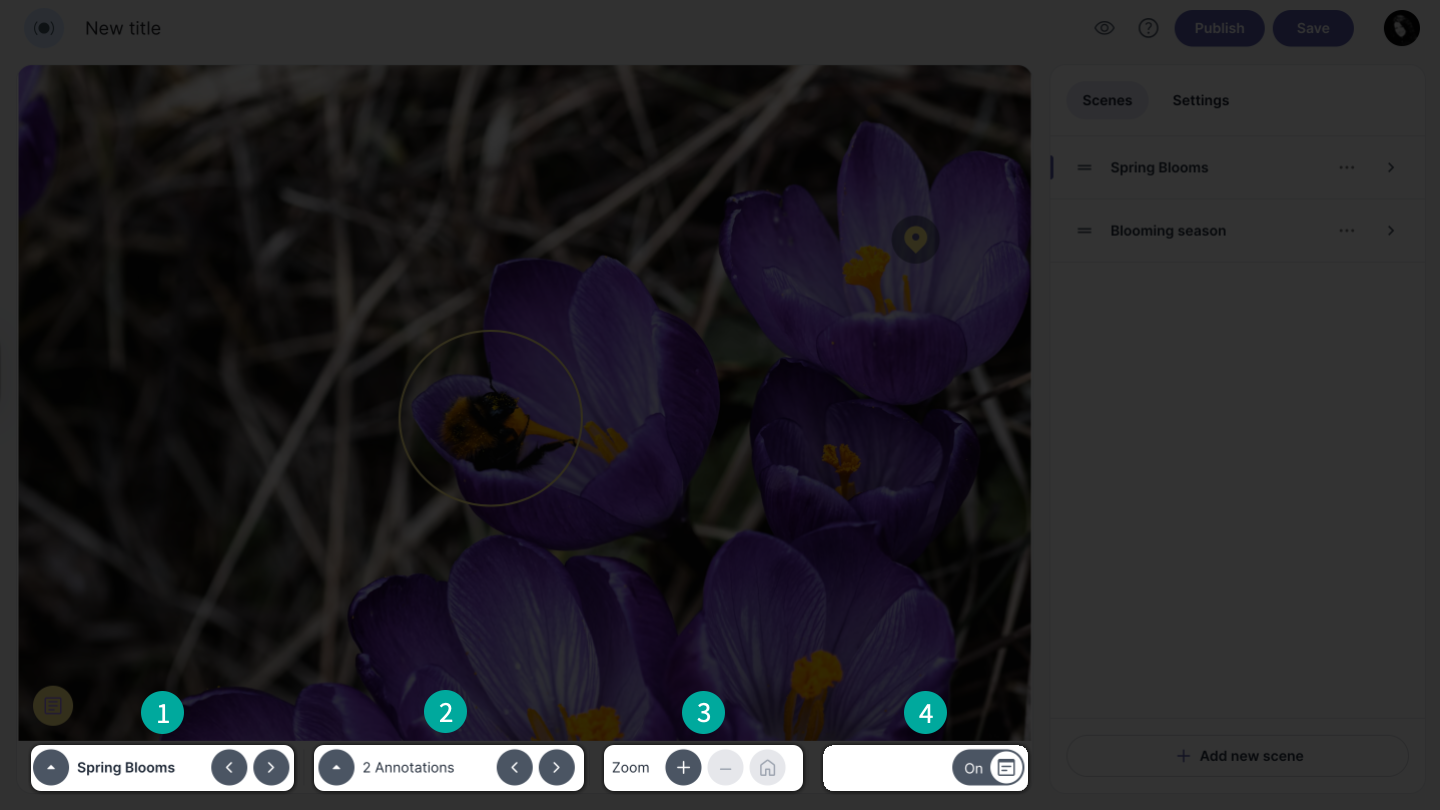
Hotspot bar
The Hotspot bar consists of four parts:
-
Scenes menu – The scenes menu allows you to choose a scene and navigate between scenes using the arrows.
-
Annotation menu – The annotation menu allows you to choose an annotation and navigate between annotations using the arrows.
-
Hotspot zoom options – The zoom options allow you to zoom in, zoom out, or reset to the default zoom by clicking the home icon.
-
On/Off button – The On/Off button allows you to toggle annotations on or off.