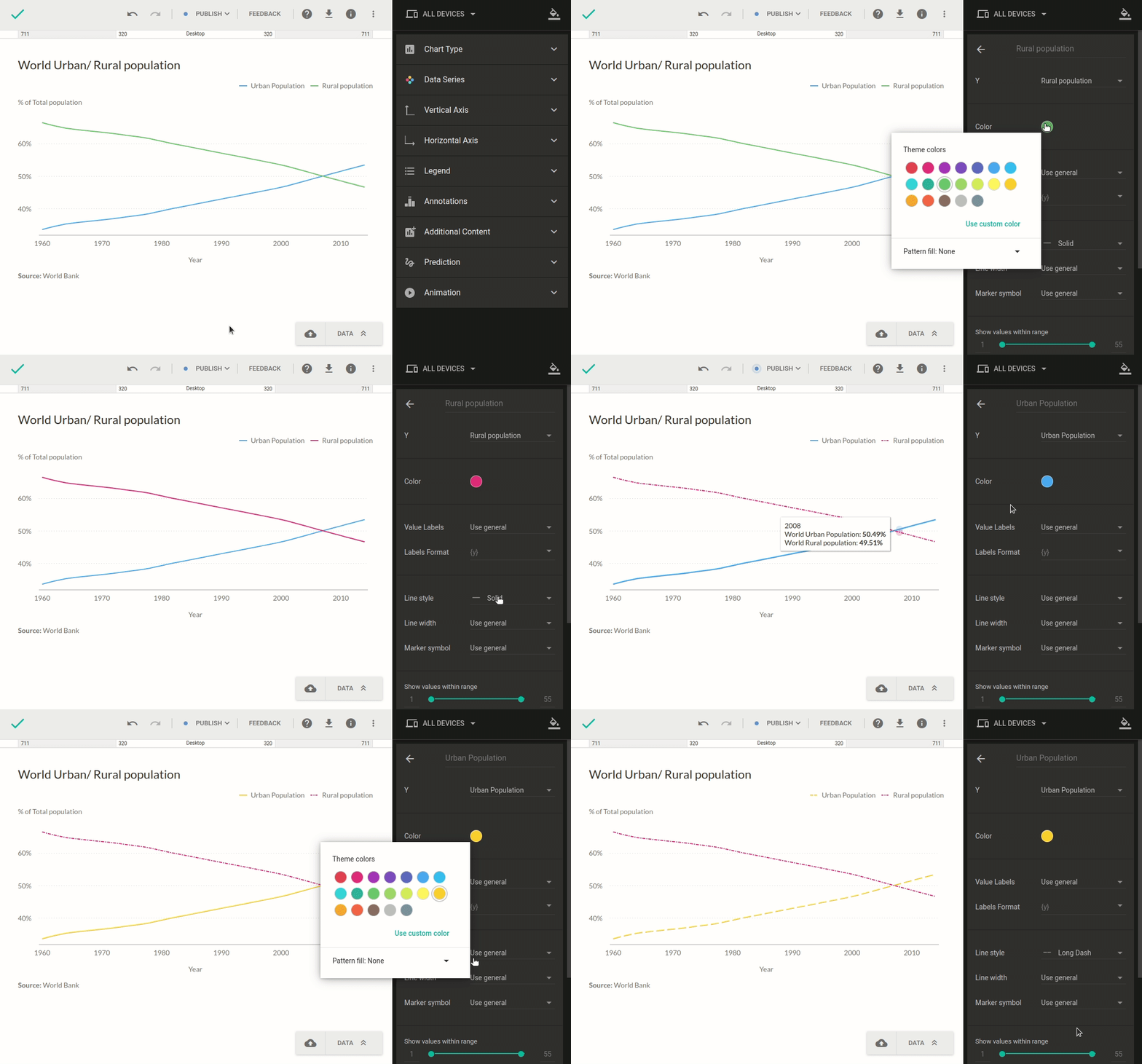
Easier way to customize data series
Did you know you can quickly customize individual data series in your chart? When your chart is in edit mode, simply click a series directly in the chart to open its settings in the right-hand sidebar. From there, you can adjust series-specific options—depending on the chart type—and any changes will apply only to the selected series.