
Slide navigation
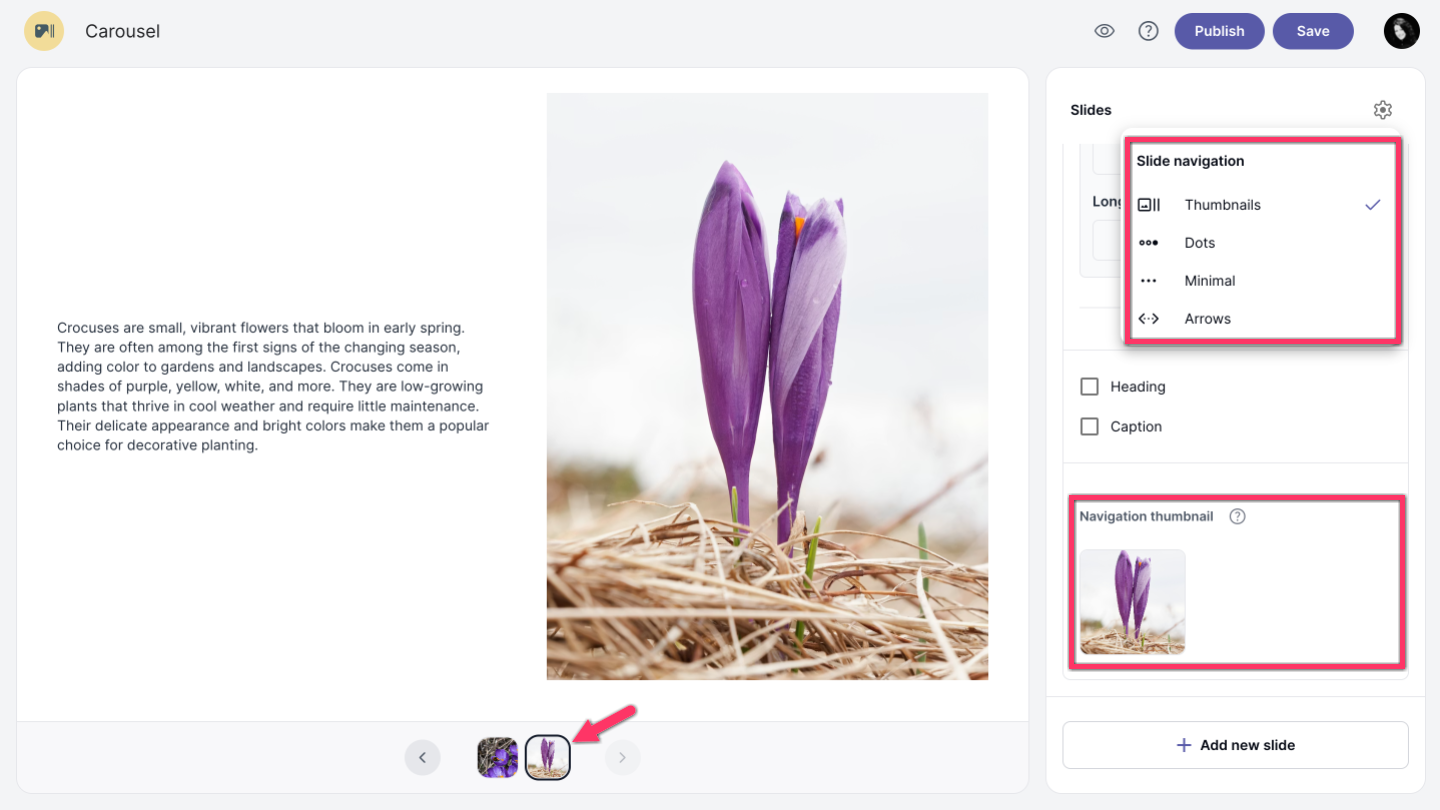
There are several slide navigation options available. Click the settings icon in the right corner and choose Thumbnails, Dots, Minimal, or Arrows. Dots is the default navigation style.
For Video, Visualization, and Text + Image slides, navigation thumbnails are required in the slide options, where you can upload an image that will be shown in the navigation bar.
Move through slides
You can move through slides by clicking on the previous chevron_left or next chevron_right arrow icons.