
Edit slides
Insert link
-
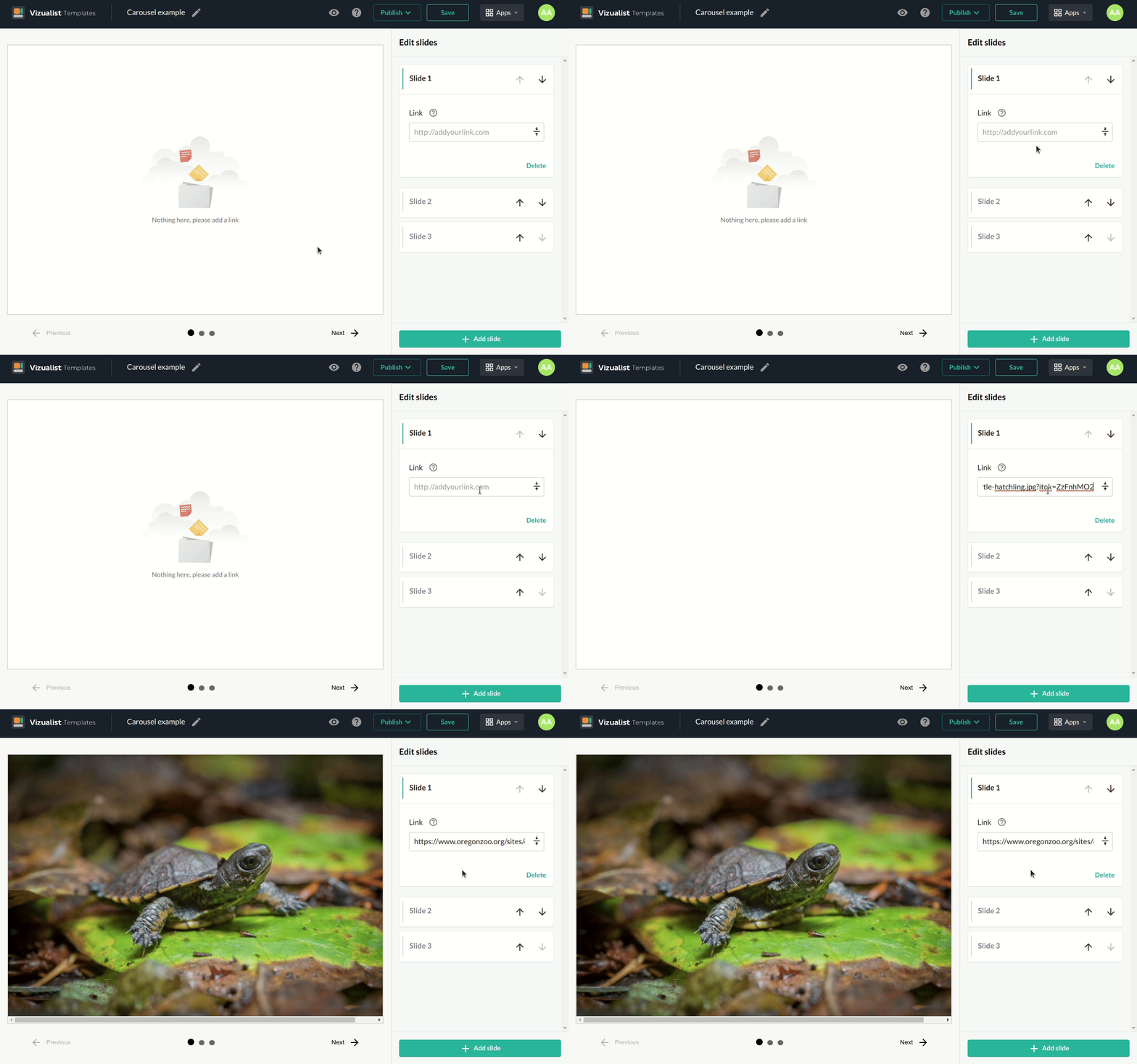
Click on the slide you want to add a link.
-
Add a link into the Link field.
Only links that can be embedded are supported.
Add slides
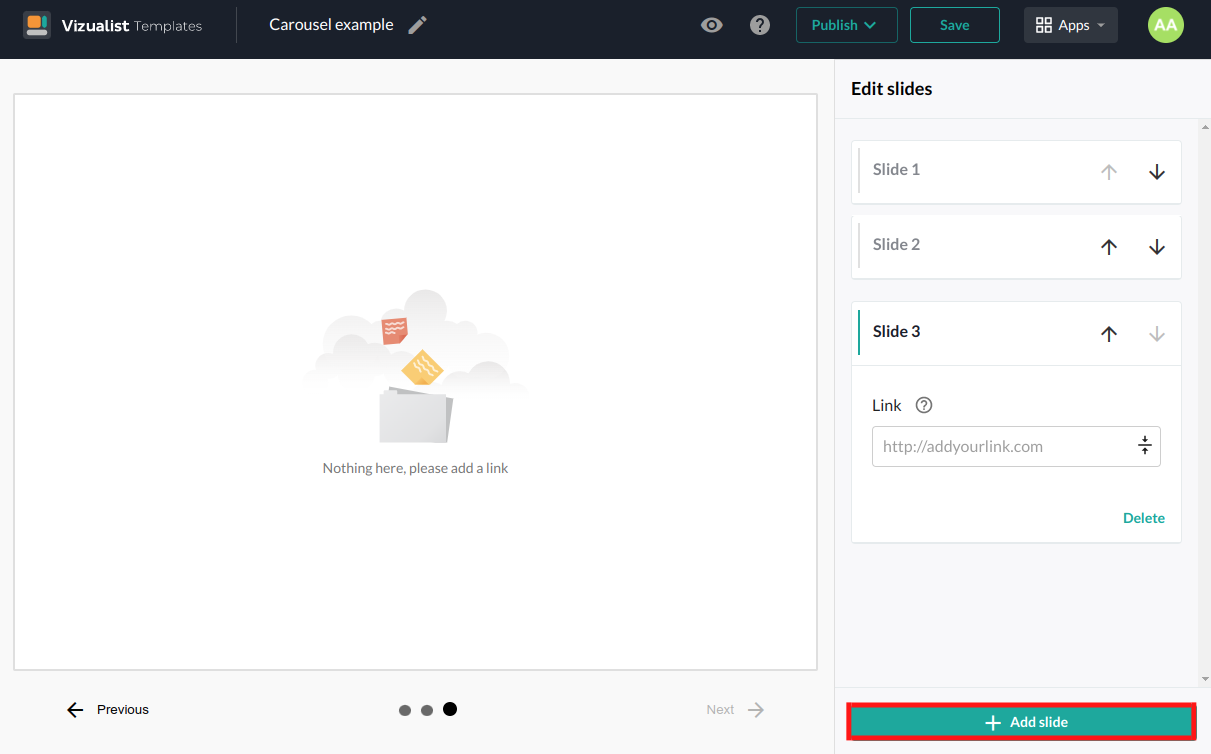
To add a new slide by clicking on the Add slide button at the bottom of the slides panel.
Maximum number of slides is fifteen.
Move slides
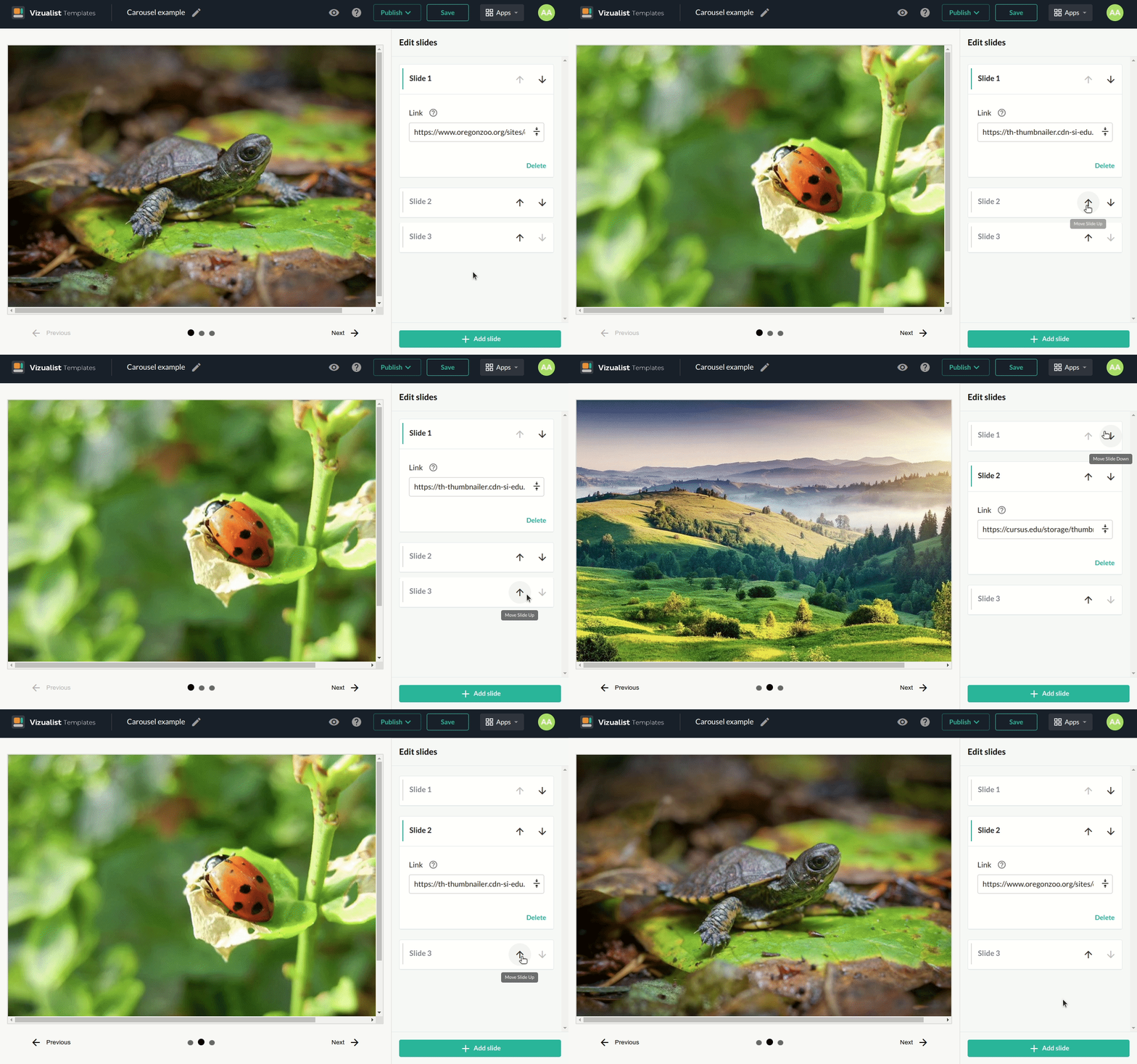
After you create your slides, you may want to change the order of the slides. Click on the Move Slide Up arrow_upward or Move Slide Down arrow_downward depending on where you want to move the slide.
Move through slides
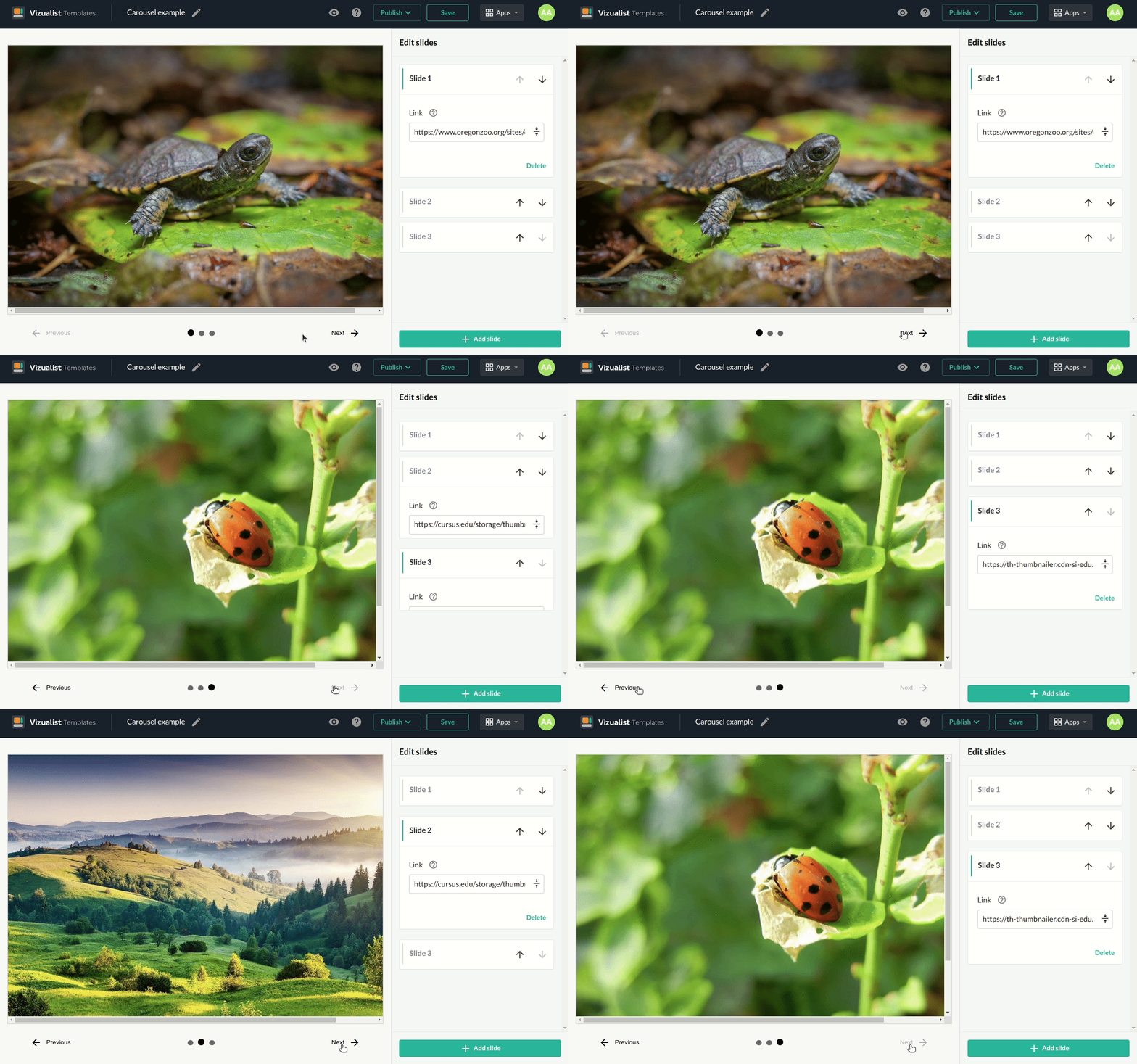
You can move through slides by clicking on the Previous arrow_back or Next arrow_forward button.
Delete slide
-
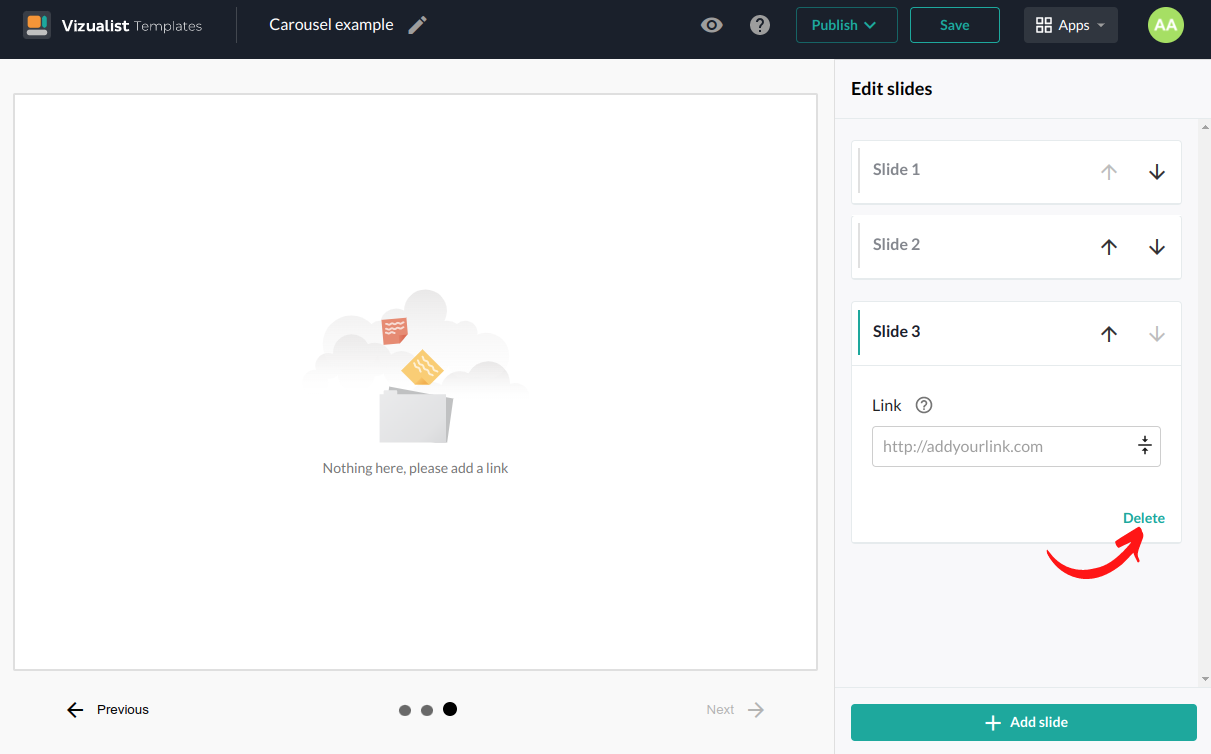
Click on the slide you want to delete.
-
Click the Delete button.
References
In the references part you can enable the Overlay screen for this template.
-
Click on the button to enable the Overlay screen.
-
Add the Overlay Title if you want.
-
Add the Overlay Text.
-
Click on the Preview button to preview the Overlay screen.